


Bookkeeping keeps financial records accurate and current, which enables better cash decisions, tax readiness, and predictable growth.
Clean bookkeeping is the foundation of financial control for small businesses. When transactions are recorded correctly and consistently, business owners gain clarity on cash position, operating performance, and upcoming obligations.
Bookkeeping ensures your general ledger reflects reality, your chart of accounts supports meaningful reporting, and your financial data is structured for downstream use by a CPA or EA when tax filing or advisory work begins.
Modern small businesses rely on cloud platforms such as QuickBooks Online, Xero, FreshBooks, Zoho Books, and Wave to automate transaction capture and reporting, but software alone doesn’t guarantee clean books.
This guide explains what bookkeeping services actually include, how pricing works, which tools matter most, how to evaluate providers, what onboarding should look like, and how to verify that your books are accurate.
What are Bookkeeping Services for Small Businesses?
Bookkeeping services handle the day-to-day financial activity of a business. This includes entering transactions, categorizing them in the chart of accounts, reconciling them with bank statements, and maintaining an accurate general ledger.
Bookkeeping vs. Accounting:
- Bookkeeping: Transaction entry, bank reconciliations, and record maintenance.
- Accounting: Period-end adjustments, accruals, financial statements review, and tax planning.
Accurate bookkeeping supports the creation of core financial reports, including P&L, balance sheet, and cash flow.
Why Small Businesses Hire Bookkeeping Services
Bookkeeping services save time, reduce errors, improve cash visibility, support tax prep, and scale as business complexity grows.
Small businesses hire bookkeeping services to eliminate manual work and ensure financial accuracy from the start.
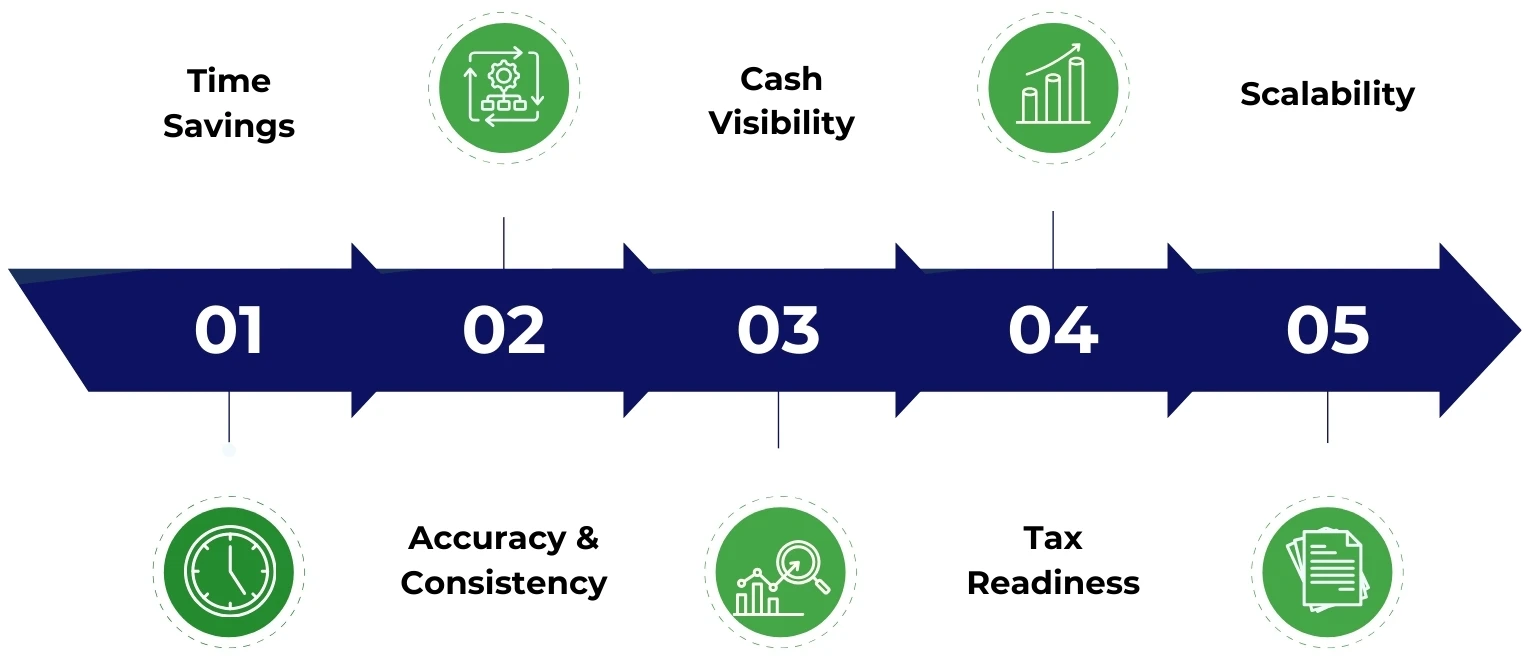
- Time Savings: Owners focus on operations, not data entry.
- Accuracy & Consistency: Reduces rework and improves audit readiness through clean records and a full audit trail.
- Cash Visibility: Tracks cash flow, burn rate, and runway using updated accounts payable (AP) and accounts receivable (AR).
- Tax Readiness: Maintains clean categories and complete receipt management for smoother filings.
- Scalability: Handles growing transaction volume, multi-channel sales, and multiple financial accounts without breakdown.
What Bookkeeping Services Include?
Bookkeeping includes transaction recording, reconciliations, AP/AR support, monthly reports, cleanup, tax prep, and payroll coordination.
Transaction Recording & Categorization
Apply consistent rules to classify income and expenses using bank rules and a stable chart of accounts in tools like QuickBooks Online or Xero.
Bank and Credit Card Reconciliations
Every financial account is reconciled monthly. Detects and resolves missing or duplicate entries via bank feeds and logs every correction in the audit trail.
Accounts Payable (AP) Support
Covers bill entry, approval routing, and scheduled payments. Manages vendors using platforms like Bill.com or Melio, and applies RBAC for payment control.
Accounts Receivable (AR) Support
Handles invoicing setup, recurring invoices, and payment matching. Monitors AR aging and DSO across tools like Stripe, PayPal, and Square.
Monthly Reporting Pack
Delivers a monthly P&L, balance sheet, and cash overview. Breaks down category-level spend and flags anomalies or reclassifications in management reports.
Cleanup / Catch-Up Bookkeeping
Brings outdated books current, often covering 3–24 months. Involves restructuring the chart of accounts and doing prior-period reconciliations.
Sales Tax / VAT Bookkeeping Support
Tags transactions to support tax filings. Generates reports for platforms like Avalara or TaxJar to assist the CPA or tax preparer.
Payroll Bookkeeping Coordination
Records payroll journal entries and reconciles payroll liabilities. Coordinates with providers like Gusto, ADP, Paychex, or QuickBooks Payroll.
What a Bookkeeper Typically Does NOT Do?
Bookkeepers don’t handle tax strategy, audits, complex accounting, or payment approvals. They fall into a CPA, EA, or controller.
To avoid misalignment, it’s important to know where a bookkeeper’s responsibilities end.
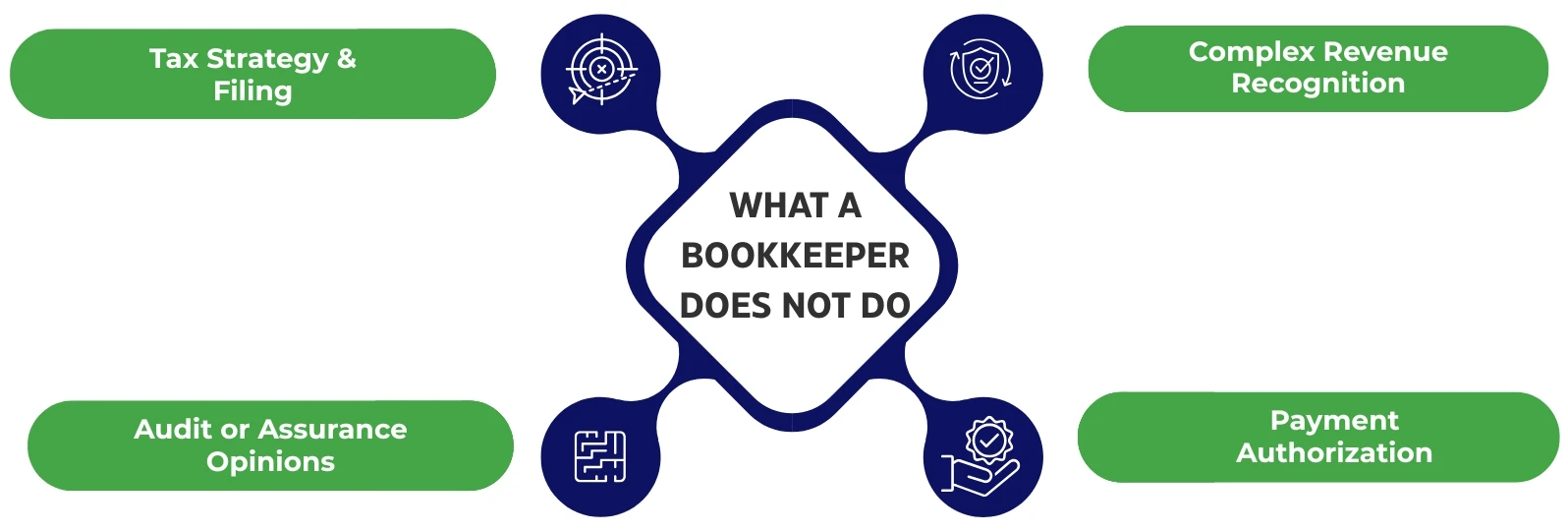
- Tax Strategy & Filing: This is the domain of a licensed CPA or EA.
- Audit or Assurance Opinions: Only certified professionals can issue these.
- Complex Revenue Recognition: Falls under accounting or controller oversight.
- Payment Authorization: Final approval of payments should always rest with the business owner or controller, ensuring proper segregation of duties.
Bookkeeping Deliverables Checklist
A complete bookkeeping service delivers reconciled accounts, updated ledgers, monthly reports, and organized documentation.
Here’s what small businesses should receive from a bookkeeping provider:
- Updated General Ledger: All transactions accurately recorded and categorized.
- Reconciled Bank and Credit Accounts: All statements matched and verified through regular reconciliations.
- Clean Chart of Accounts: Structured and maintained to avoid clutter or misclassification.
- Monthly P&L and Balance Sheet: Delivered in a standard reporting pack format.
- AR/AP Summaries: Reflect outstanding receivables and payables.
- Documentation Folder Structure: All reports, receipts, and transaction support are organized and accessible.
What is Bookkeeping Cost for Small Business?
Bookkeeping costs vary based on pricing model, transaction volume, AP/AR complexity, sales channels, and data quality.
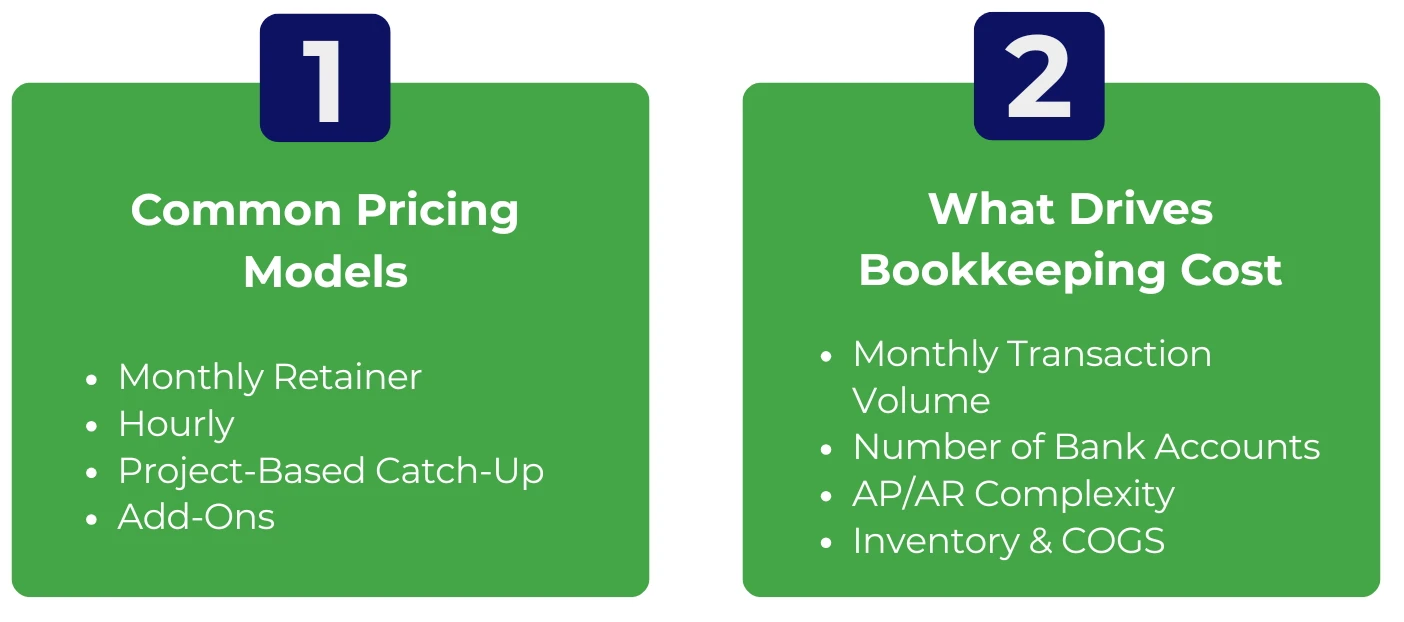
Common Pricing Models
- Monthly Retainer: Fixed tiers based on scope.
- Hourly: Typically used for support or ad hoc cleanup.
- Project-Based Catch-Up: Flat-rate for historical bookkeeping.
- Add-Ons: Additional fees for AP/AR, inventory, reporting, or multi-entity work.
These models are usually defined by the scope, with pricing based on retainer, hourly, or fixed-fee structures.
What Drives Bookkeeping Cost?
Costs scale based on complexity and volume:
- Monthly Transaction Volume: More transactions = more time.
- Number of Bank/Credit Accounts: Each account adds reconciliation workload.
- AP/AR Complexity: High volume or manual workflows raise cost.
- Sales Channels & Payment Processors: Tools like Shopify, Amazon, WooCommerce, Stripe, and PayPal require additional integration effort.
- Inventory & COGS: Businesses with inventory may need support for tools like Cin7 or DEAR.
- Multi-Entity / Multi-Currency: Additional reporting and conversions, especially with platforms like Wise.
- Data Cleanliness: Unmatched receipts or uncategorized spend increases the time spent per month.
How to Reduce Bookkeeping Cost (Without Losing Quality)
To reduce bookkeeping cost, standardize submissions, streamline tools, batch workflows, and separate cleanup from monthly work to cut costs without losing quality.
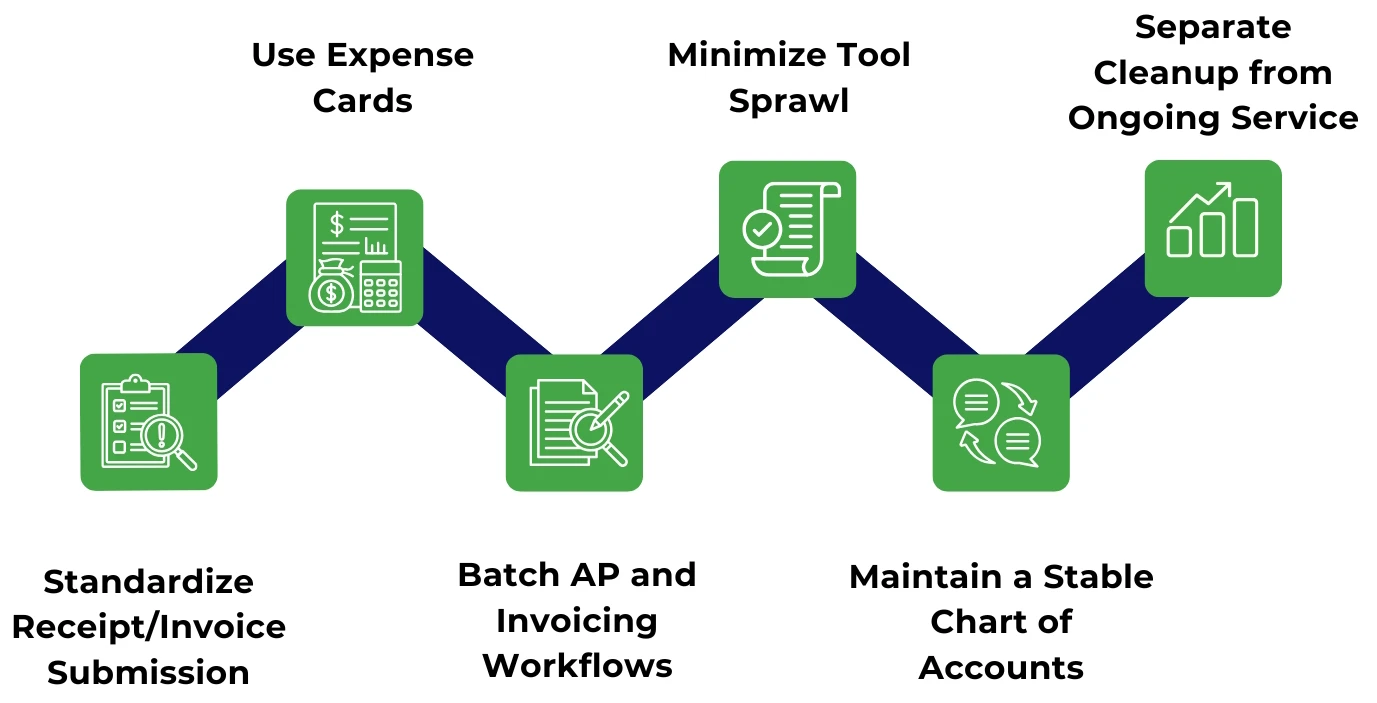
- Standardize Receipt/Invoice Submission: Use naming conventions and due dates via tools like Dext or Hubdoc.
- Use Expense Cards: Platforms like Ramp or Brex eliminate messy personal reimbursements.
- Batch AP and Invoicing Workflows: Consolidate pay runs and billing using Bill.com or Melio.
- Minimize Tool Sprawl: Fewer disconnected platforms = less manual entry. Use proper integrations and bank rules.
- Maintain a Stable Chart of Accounts: Avoid constant category changes that slow reviews.
- Separate Cleanup from Ongoing Service: Catch-up bookkeeping should be scoped and billed independently.
Bookkeeping Software & Tools
The right bookkeeping tools automate data capture, streamline payments, and ensure accurate reporting through integrations and audit logs.
Core Accounting Platforms
- QuickBooks Online (Intuit) and Xero are top choices for SMBs, offering strong bank feed integrations and reporting.
- Alternatives for small teams: Wave, FreshBooks, and Zoho Books are best for basic needs and limited budgets.
Document Capture & Expense Workflows
- Tools like Dext and Hubdoc automate receipt collection and invoice organization, reducing manual data entry and improving audit trails.
Payments & Commerce Integrations
- Platforms like Stripe, PayPal, and Square sync payment data directly into books.
- E-commerce integrations with Shopify, Amazon, and WooCommerce simplify reconciliation and sales tracking.
All tools should support integrations, maintain audit logs, and enable clean bank feed syncing for accurate, efficient bookkeeping.
How to Choose a Bookkeeping Provider?
Choose a provider based on model: freelancer, agency, firm, or hybrid, and vet them using a clear checklist tied to your business needs.
Provider Types
- Freelance Bookkeeper: Lower cost, but limited scalability and oversight.
- Bookkeeping Agency: Offers team support and a defined SLA, suitable for growing operations.
- Accounting Firm with CAS Team: Combines bookkeeping with strategic support under Client Accounting Services (CAS).
- Offshore Bookkeeping + Local Reviewer (Hybrid): Optimizes cost and quality with a global team structure.
Vetting Checklist
Ask these before you sign the SOW:
- Which software do you specialize in (QuickBooks Online, Xero)?
- How often do you reconcile accounts (monthly minimum)?
- What does “month-end close” include?
- Who reviews the work—any senior oversight?
- How do you handle errors and reclassifications?
- What’s your SLA and communication channel?
- How do you secure access (MFA, RBAC, audit logs)?
- What’s your offboarding process (data export + documentation)?
- Are you SOC 2 compliant?
What are Security & Access Controls Practices for Bookkeeping?
Use MFA, least-privilege access, audit trails, and secure file storage to protect financial data and prevent unauthorized actions.
Security in bookkeeping is foundational.
- User-Based Access Only: Never use shared logins. Track individual actions via audit trails.
- Least-Privilege Roles: Bookkeepers shouldn’t be bank admins. Apply RBAC to restrict access.
- Multi-Factor Authentication (MFA): Enforce MFA across all accounting, storage, and communication platforms.
- Quarterly Access Reviews: Audit system users regularly, especially after role or team changes.
- Secure File Storage: Use tools like Google Drive, Dropbox, or SharePoint with permission controls.
- Password Management: Use a password manager to enforce credential policies.
- SOC 2 Compliance: Ideal for providers handling sensitive financial data.
What is the Bookkeeping Onboarding Process?
Bookkeeping onboarding includes system setup, cleanup, workflow standardization, and monthly reporting cadence establishment.
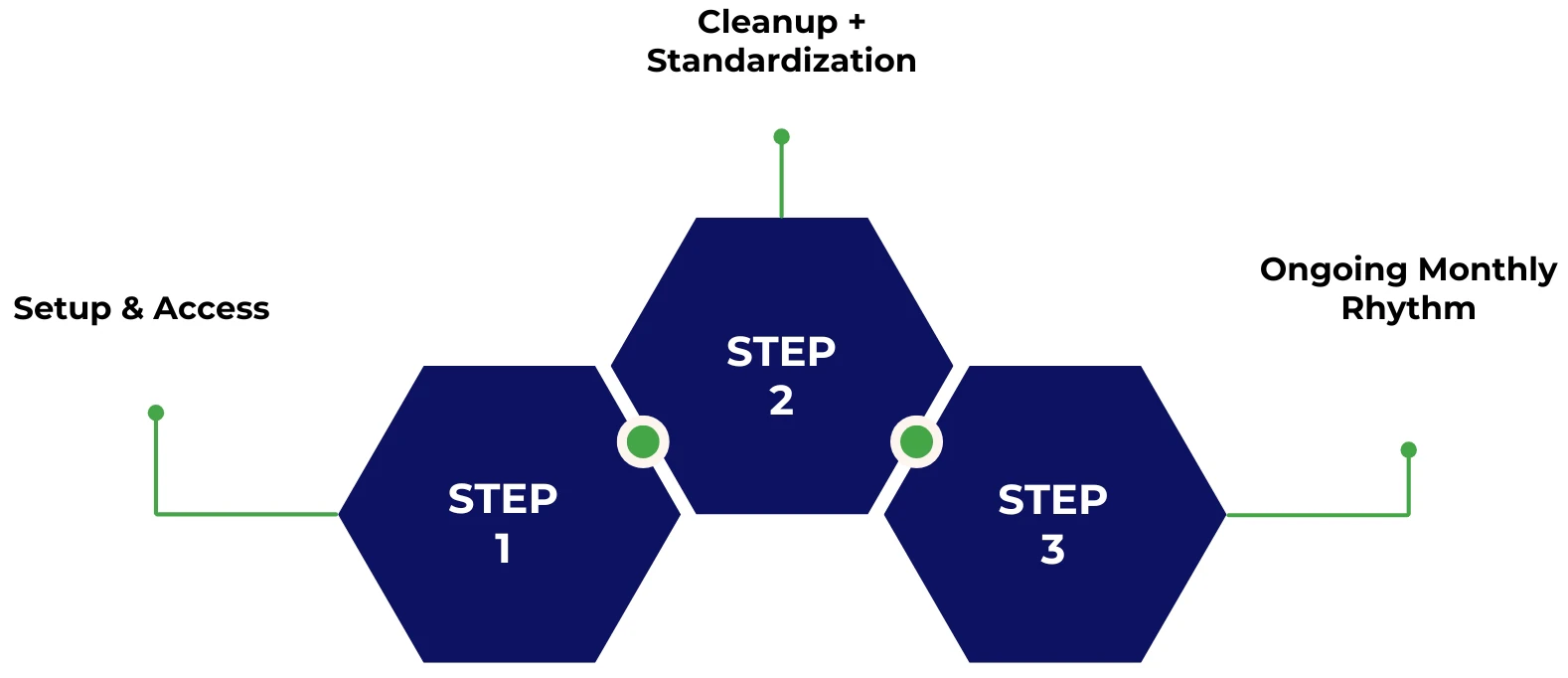
Step 1: Setup & Access
- Connect to the QuickBooks or Xero file.
- Sync bank feeds, Stripe, and Shopify accounts.
- Build folder structure and define document submission workflow.
Step 2: Cleanup + Standardization
- Clean and restructure the chart of accounts.
- Apply bank rules and perform baseline reconciliations.
- Define and document AP/AR workflows (if applicable).
Step 3: Ongoing Monthly Rhythm
- Follow a set checklist.
- Deliver a monthly reporting pack (including P&L and balance sheet).
- Conduct monthly review calls using a standard close calendar.
Quality Control—How to Know Your Bookkeeping Is Correct?
Good bookkeeping includes reconciliations, exception reports, tie-outs, trend checks, and a consistent chart of accounts.
Check these controls to confirm your books are accurate:
- Monthly Reconciliations: Every account must be reconciled with a saved reconciliation report.
- Exception Reports: Track uncategorized items, duplicates, and missing receipts.
- Consistent Chart of Accounts: Avoid category churn that distorts reporting.
- Trend Checks: Watch for sudden margin shifts or unusual expense spikes.
- Tie-Outs: Match payment processors to deposits and payroll to liabilities; this ensures accuracy at the source.
- Audit Trail: Maintain logs of every adjustment for traceability.
Industry-Specific Bookkeeping Needs
Different industries require specialized bookkeeping for inventory, billing models, job costing, or project-level financial tracking.
E-commerce
- Track inventory and COGS across multiple platforms.
- Handle returns, refunds, and payment processor fees.
- Sync data from Shopify, Amazon, Stripe, and PayPal for accuracy.
Agencies & Services
- Measure job profitability by tracking income and contractor costs per project.
- Use project tracking and job costing frameworks to manage margins.
SaaS
- Maintain clarity in subscription billing with clean metric categorization.
- Optional use of tools like Stripe Billing to track MRR/ARR (if needed).
Construction
- Apply job costing principles to capture direct and indirect costs.
- Support progress billing, often requiring accounting-level configuration.
Why Choose Premier NX for Bookkeeping Services
Premier NX delivers outsourced bookkeeping solutions built for mid-market businesses managing growth and operational complexity.
What sets Premier NX finance services apart:
- Structured, Scalable Delivery: Precision execution using best practices and automation.
- Full-Service Support: Bookkeeping, AP/AR, payroll coordination, cash projections, invoicing, and more.
- Finance-Ready Insights: From reconciliations to reporting, we create a foundation for deeper financial visibility.
- Strategic Alignment: We complement your internal teams, accelerating close cycles and enabling effective decisions.
For mid-sized businesses, bookkeeping isn’t just a task; it’s a lever for growth. With Premier NX, it becomes a value-creating part of your finance engine.
Frequently Asked Questions (FAQs)
Conclusion + Next steps
Define your scope, choose software, secure access, and start with a 30-day pilot to assess accuracy, speed, and visibility.
To move forward with outsourced bookkeeping:
- Define Your Scope: Decide if you need just transaction management or full support, including AP/AR and reporting.
- Pick Your Software: Choose between QuickBooks Online (QBO) or Xero and configure secure user access.
- Lock the Terms: Set expectations in the SOW and define SLA for delivery timelines and communication.
- Start a 30-Day Pilot: Evaluate your provider on close accuracy, reporting speed, and clarity of cash position using a structured reporting pack.
About the Author

As CEO, Ali Din oversees the overall strategy and direction for Premier NX. With senior leadership roles at global HR and recruiting platforms, Indeed and ADP. Ali has over 25 years of experience in the IT and advanced technology sector. Ali’s time is focused on transformation in the business, both for professional development and for clients, to enhance business outcomes.